
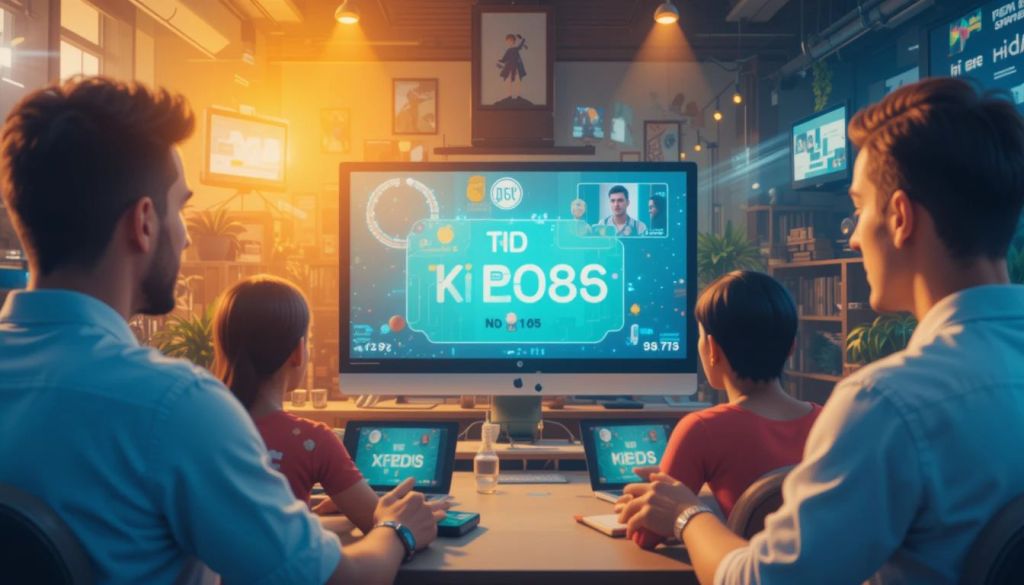
Virtual trivia games help teams bond and improve communication. These games create a fun and interactive environment, even when team members work remotely. However, keeping everyone engaged during the game can be challenging.
Using the right strategies can boost participation and make the experience enjoyable. This article highlights practical tips to keep your team focused and entertained during virtual trivia sessions.
Planning the Game Structure
Setting Clear Rules and Guidelines
Establish clear rules before starting the game. This helps avoid confusion and keeps the game organized. Inform participants about scoring systems, time limits, and the format of the game.
Make sure all players understand the rules. Use simple instructions and allow time for questions. Clear communication ensures smooth gameplay and keeps everyone involved.
Choosing the Right Platform
Select a reliable platform that supports smooth interaction. Popular options include Zoom, Microsoft Teams, and Google Meet. These platforms allow screen sharing and breakout rooms for team discussions.
Ensure the platform has features like chat options and reaction buttons. These features enhance interaction and keep participants engaged throughout the game.
Creating Engaging Questions
Mixing Different Question Types
Use a variety of question formats to maintain interest. Include multiple-choice questions, true-or-false statements, and picture-based puzzles. This keeps the game dynamic and prevents boredom.
Incorporate questions related to team members’ hobbies, company history, or trending topics. This personal touch makes the game more relatable and enjoyable.
Adding Time Limits
Set time limits for answering each question. This adds excitement and encourages quick thinking. Time-bound challenges also prevent players from losing focus.
Use countdown timers or digital clocks to keep track of time. This keeps the game moving and maintains the energy level.
Boosting Team Interaction
Encouraging Team Collaboration
Divide participants into small teams. This promotes teamwork and allows quieter members to contribute. Teams can discuss answers before submitting them, which fosters collaboration.
Assign a team leader to keep the group organized. The leader can manage discussions and submit final answers on behalf of the team.
Using Breakout Rooms
Use breakout rooms for team discussions. This feature allows teams to brainstorm without distractions from other players. Platforms like Zoom and Microsoft Teams offer breakout room options.
Limit the time spent in breakout rooms to keep the game moving. Bringing teams back to the main session after a set time maintains focus and excitement.
Adding Fun Elements
Incorporating Visual and Audio Effects
Use background music and sound effects to create a lively atmosphere. Play upbeat music during breaks or celebration tunes when a team scores points.
Add visuals, such as memes or funny gifs, related to the questions. This keeps the mood light and entertains participants.
Offering Prizes and Rewards
Motivate players by offering small rewards or virtual badges. Rewards can include gift cards, company merchandise, or shout-outs in team meetings.
Recognize creative answers or humorous responses. This keeps the game fun and encourages participation.
Managing Technical Aspects
Testing the Platform Before the Game
Conduct a trial run to check for technical issues. Test audio, video, and screen-sharing functions to avoid interruptions during the game.
Ensure all participants have stable internet connections and access to the platform. Provide troubleshooting tips in case of technical problems.
Assigning a Moderator
Appoint a moderator to manage the game flow. The moderator handles question delivery, timekeeping, and resolving disputes.
The moderator can also monitor chat interactions and address any technical issues. This keeps the game running smoothly.
Keeping the Momentum Throughout the Game
Engaging with Participants
Interact with players throughout the game to keep engagement levels high. Use humor to lighten the mood, ask for feedback to make the experience interactive, and acknowledge correct answers to encourage participation. Creating a positive and energetic atmosphere ensures that everyone remains involved and enjoys the challenge. Additionally, incorporating fun facts or surprising twists can make the game even more exciting, keeping players eager for the next round.
One of the best ways to enhance engagement is through Virtual Team Sports Trivia, where teams compete in a dynamic and interactive setting. A live scoreboard adds an extra layer of excitement by displaying real-time rankings and motivating players to stay competitive. Regular updates on team performance encourage friendly competition and strategic thinking, making the game more thrilling. Whether playing with colleagues, friends, or family, virtual trivia games offer a fun way to test sports knowledge while fostering teamwork and camaraderie.
Allowing Breaks
Schedule short breaks between game rounds. This gives participants time to refresh and prevents fatigue.
Use breaks for casual conversations or icebreaker activities. This maintains team spirit and keeps everyone energized.
Conclusion
Virtual trivia games are an effective way to build team connections and boost morale. By setting clear rules, using engaging questions, and encouraging collaboration, teams stay active and focused.
Incorporating fun elements and managing technical aspects ensures a smooth experience. With these strategies, teams can enjoy a lively and memorable trivia game session.
 Every Corner
Leave a comment